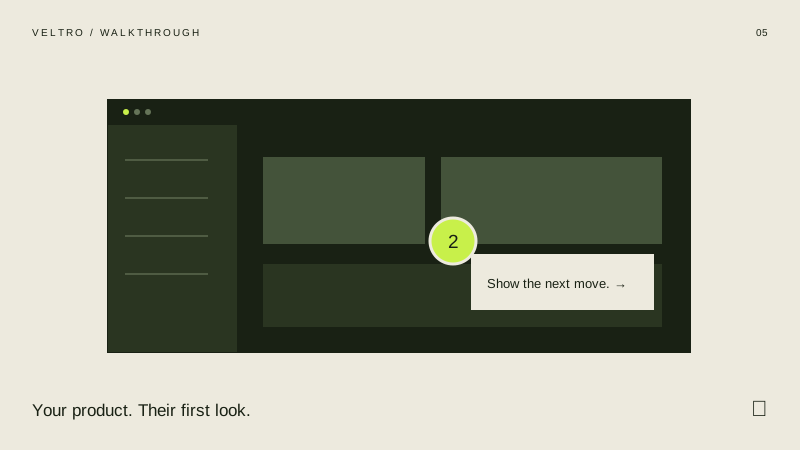
This creates guided screenshot demos. It does not record your browser, clone a live application or export video. Uploaded images are resized for portable files; the sample screens are fictional.
What can I export?
You can export interactive HTML, embed HTML, editable JSON settings with images and a printable step-by-step guide. Print the summary or guide from your browser to save a PDF. The interactive exports start at the beginning with your configured content.
Will it work in Framer or Webflow?
Webflow can use the direct HTML embed or a hosted iframe on a plan that supports custom code. The included Framer Code Component wraps a hosted HTML export; it does not edit the tool’s internals inside Framer. Adjust the frame height at each breakpoint and test the published page.
Which licence do I need?
The standard licence covers one commercial project. Agency covers up to ten distinct commercial projects, including client work. Each separate client website, product or campaign counts as one project. Existing published work can remain in use. You cannot resell the kit or editor, redistribute it as a library, or give it to clients for unrelated projects. Your purchase receipt identifies your edition; the full licence is inside the ZIP.
Where does my content go?
The editor processes your content on this device. Drafts use browser storage where available. Save a settings file for a portable backup, especially for screenshot-heavy work. Exported HTML contains the content needed to display your tool.
How do I get my files?
After payment, use the licence key on your receipt at the download page. The complete kit arrives as a ZIP. Extract it before opening the editor.